Do readers need a Confluence license?
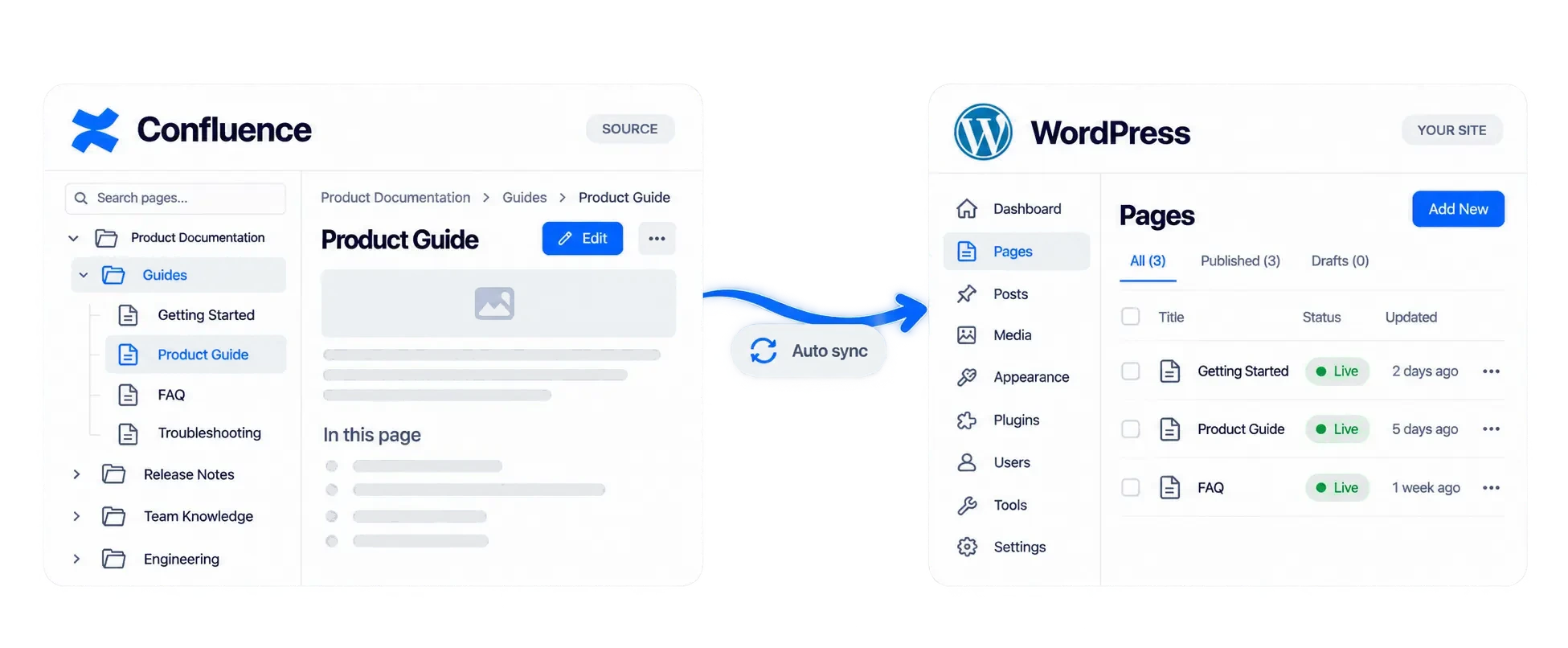
No. After a page is on WordPress, readers use your site. They do not need an Atlassian account or a guest seat. See
how to share Confluence pages publicly.
Should I publish the page or embed it?
Publish it when the doc should be its own WordPress page, with your theme and URL. Embed it with a shortcode when it should sit inside a page you already have. A documentation site is the publish path. One guide on a marketing page is the embed path.
Does the free plan sync on a schedule?
No. Free is Sync Now, limited to 10 pages and one space. Pro adds a schedule: every 15 minutes, hourly, every 6 hours, or daily. Each run skips pages that have not changed, and large syncs run in the background.
Can I import a whole Confluence space?
Yes. Choose the space, or the pages inside it. Parent and child order and internal links stay. Images and files go to the Media Library. You can import as draft or private, check the result, then publish. Free stops at 10 pages and one space. Pro does not.
Can I hide some pages from the public?
Not on Free. Synced pages are public. On Pro, a page can be public, limited to logged-in users, or limited to a WordPress role. You can set that for the whole sync or override it on one page. Confluence’s own page restrictions do not copy over.
Do Confluence macros survive the sync?
Standard content does: headings, tables, images, code, and attachments. Macros with no WordPress equivalent are skipped, including status badges and Jira issue lists. Comments and task lists stay in Confluence.
Does it work with Confluence Cloud and Data Center?
Yes. Connect Cloud with OAuth, or with an API token. Data Center and Server can use a personal access token or basic auth. Use the method your Confluence admin already allows.