
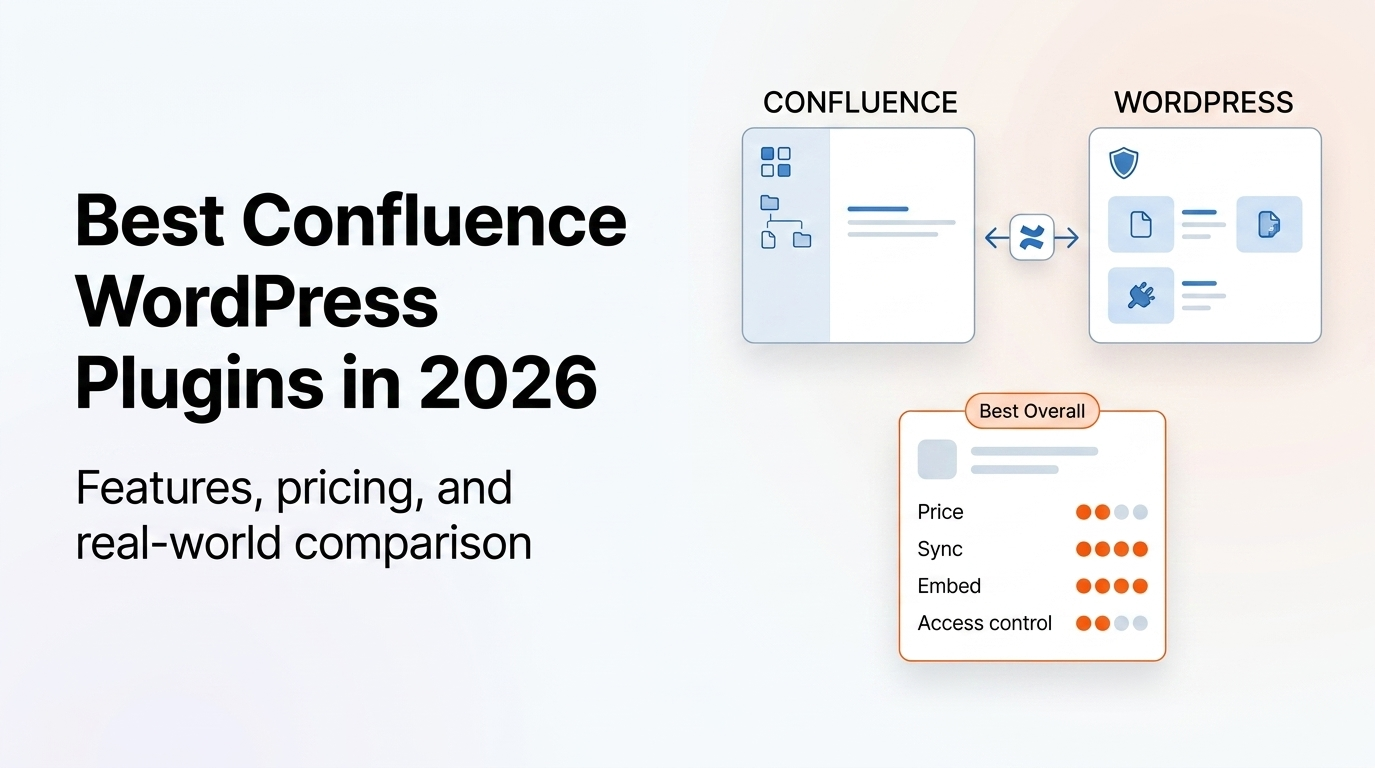
If you use Atlassian Confluence for documentation and WordPress for your website, you need a way to connect the two. The options range from dedicated WordPress plugins to middleware automation tools — each with different trade-offs on setup complexity, cost, and features.
This guide covers every real option available in 2026: what they do, what they cost, and which is right for your situation. We'll start with a quick comparison table, then review each option in depth.
RippleStep makes Content Publisher for Confluence — the first plugin reviewed below. We've tried to be fair in comparing alternatives, but you should weigh that context accordingly.
Quick Comparison: All Options at a Glance
| Option | Free Plan | Auto Sync | Page Embed | Access Control | Price (paid) |
|---|---|---|---|---|---|
| Content Publisher for Confluence | 10 pages | Pro | Pro | $99/yr | |
| Zapier (Confluence → WP) | Limited | Triggers | $20–$49+/mo | ||
| Make / Integromat | Limited | Paid | $9–$16+/mo | ||
| Custom REST API integration | N/A | Custom | Custom | Custom | Dev hours |
| iFrame embed (Confluence share link) | Free | Live | Free |
All Options Reviewed
The only purpose-built WordPress plugin for syncing and embedding Confluence pages. Connects directly to the Confluence API — no middleware, no Zapier account, no developer setup. Free plan available; Pro unlocks automated sync, unlimited pages, and advanced access control.
Zapier can automate actions between Confluence and WordPress using triggers and actions. When a Confluence page is created or updated, Zapier can create or update a WordPress post. It's flexible but requires building and maintaining your own Zaps, and you're paying for a general-purpose automation tool.
Similar to Zapier — a general-purpose automation platform that can route data from Confluence to WordPress. More technically complex to configure than Zapier but cheaper. Suitable for teams that already use Make for other automations and want to add Confluence→WordPress as one more scenario.
Build a direct integration using the Confluence REST API and WordPress REST API. Full control over content transformation, sync logic, formatting, and access control. The most powerful option, but requires developer time to build and maintain.
Confluence Cloud lets you generate a public share link for any page. You can embed this link in an iFrame on your WordPress site. The Confluence page loads inside WordPress — live, always current. However, it shows Confluence's own UI, not your WordPress theme, and requires the Confluence page to be publicly shared.
Which Should You Choose?
The right choice depends on your situation:
- You want to sync docs from Confluence to WordPress and keep them updated automatically → Content Publisher for Confluence (free to start)
- You already pay for Zapier and just need a basic page-creation trigger → Zapier works, but expect formatting cleanup
- You want complete custom control and have developer resources → Build a custom REST API integration
- You just need to show one Confluence page on WordPress temporarily → iFrame embed gets the job done for free
- You need role-based access control on synced Confluence content → Only Content Publisher for Confluence Pro supports this natively
FAQ
Yes. Content Publisher for Confluence has a free plan that syncs up to 10 pages from one Confluence space, with manual sync and shortcode embedding. It's available on WordPress.org.
Yes. Content Publisher for Confluence connects directly to the Confluence API using an Atlassian API token — no Zapier, Make, or any other middleware required. Your data goes from your WordPress server to Confluence directly.
Syncing creates a full WordPress page from a Confluence page — the content is stored in WordPress and served from your server. Embedding uses a shortcode to render a Confluence page inline inside an existing WordPress post, fetching content from Confluence in real time. Both features are available in Content Publisher for Confluence.
Only Content Publisher for Confluence Pro supports this natively. The Pro plan adds role-based permissions and per-page access control — so you can make some pages public, some visible only to logged-in users, and others restricted to specific WordPress user roles.
When synced via Content Publisher for Confluence, yes — the content is served as real WordPress pages, fully indexed by search engines. iFrame embeds are not indexed. Zapier-created posts are indexed but may have formatting issues that affect search performance.
Try the top-rated option free
Install Content Publisher for Confluence and sync your first Confluence pages to WordPress in under 10 minutes. Free for up to 10 pages — no credit card required.
Install Content Publisher for Confluence Free →